
1
Design your form
Add questions from ten types, drag them into order, then choose a palette, logo and thumbnail.
Design a form, match it to your brand, and share one link. Require verified emails when responses must be real.

Forms that look like your brand, and verified responses
Pick a palette, add your logo and a cover image. Private forms confirm each respondent’s email.
Made for event organizers, teachers, clinics and community groups who need sign-ups they can trust.
Add questions from ten types, drag them into order, then choose a palette, logo and thumbnail.
Make the form private and people confirm their email through a link before they can answer. One response per email.
Publishing gives your form a shareable link. Close it whenever you stop taking responses.
Every submission lands in a table, one row per response. Open a row for the details.
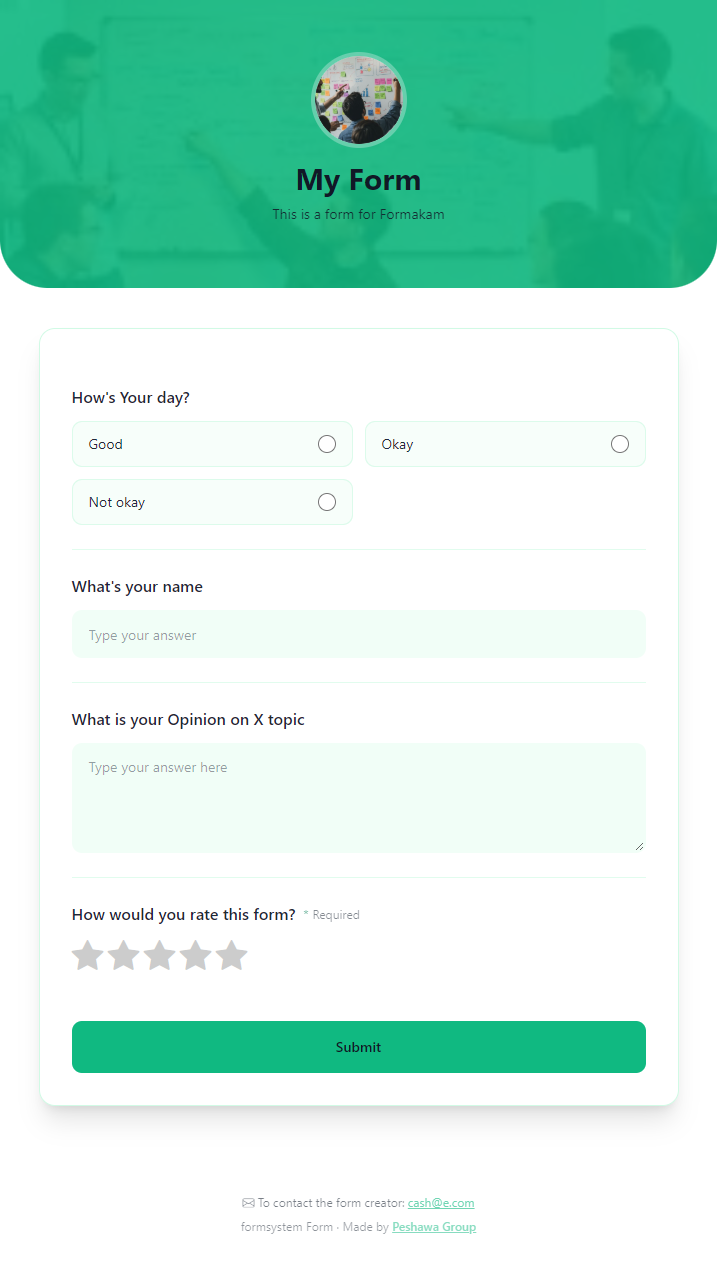
Pick a palette, add your logo and a cover image. What you choose here is what respondents see when they open your link. Try it.
Palettes, logo and thumbnail are available on every form.
Make a form private and people confirm their email through a link before the form opens. The verified address sits next to each response.
People open your link and see a private form that asks for their email first.
They receive an email with a button that verifies the address and opens the form.
One click confirms the address. The form opens with that email shown at the top.
The response is saved with the verified email. A second submission from that address isn’t saved.
Each palette sets the header, fields, buttons and background together. Pick one and the preview updates as you go.
The logo sits in a circle above your title. The thumbnail fills the header behind it. Logos take up to 2 MB, thumbnails up to 4 MB.
From a short answer to a file upload. Mark any question as required.
Duplicate a form with its questions, options, logo and thumbnail. The copy starts as a fresh draft.
Set the language per form. Arabic and Kurdish forms switch to right-to-left on their own.
The form editor keeps your share link, palette picker and questions together, so there’s no hunting through settings.

Collect names, session choices and dietary needs for workshops, meetups and open days. A dropdown and a required email cover most of it.

Take applications for classes, volunteering or membership. Add long answers, and a file question for a CV or portfolio.

Ask for a rating and a few words after a visit or a class. One rating question and a text box is often all it takes.
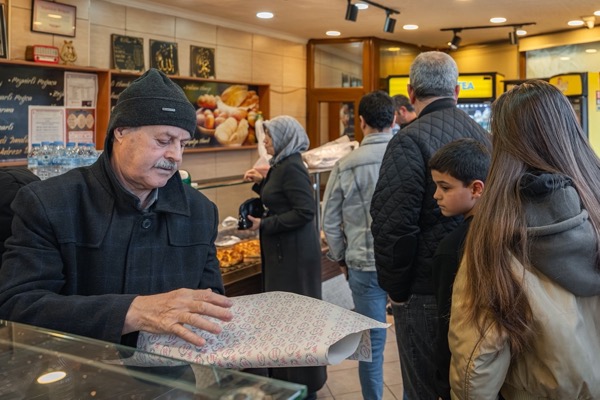
Let people join a waitlist for a full class or a new batch. Make the form private and each email can join once.
Something missing? Ask us.
Yes. Pick from 20 ready-made palettes. Each one sets the header, fields, buttons and background together, and the editor previews it as you choose. There is no free color picker, so you choose from the palettes provided.
An image file such as JPG, PNG or WebP, up to 2 MB. It appears as a circle above your form title.
It fills the header behind your title on the public form, and shows as a small preview in the editor. Thumbnails can be up to 4 MB.
Set a form to private. People who open the link enter their email and receive a message with a verify button. The link works for 30 minutes. Once they confirm, the form opens with their address shown, and it is saved with their response.
On a private form, each verified email can submit once. Public forms do not check for repeat answers.
English, Arabic and Kurdish. Arabic and Kurdish forms switch to right-to-left automatically.
Yes. Close the form and anyone opening the link sees a closed page. You can publish it again later.
Create an account, pick a palette, add your logo and share the link.